
Music visualizer videos, made for Linux
GuViz is a music visualizer app for Linux. Build audio-reactive videos from layers you can customise, bind any control to the music, and export up to 4K60 with deterministic FFmpeg rendering.
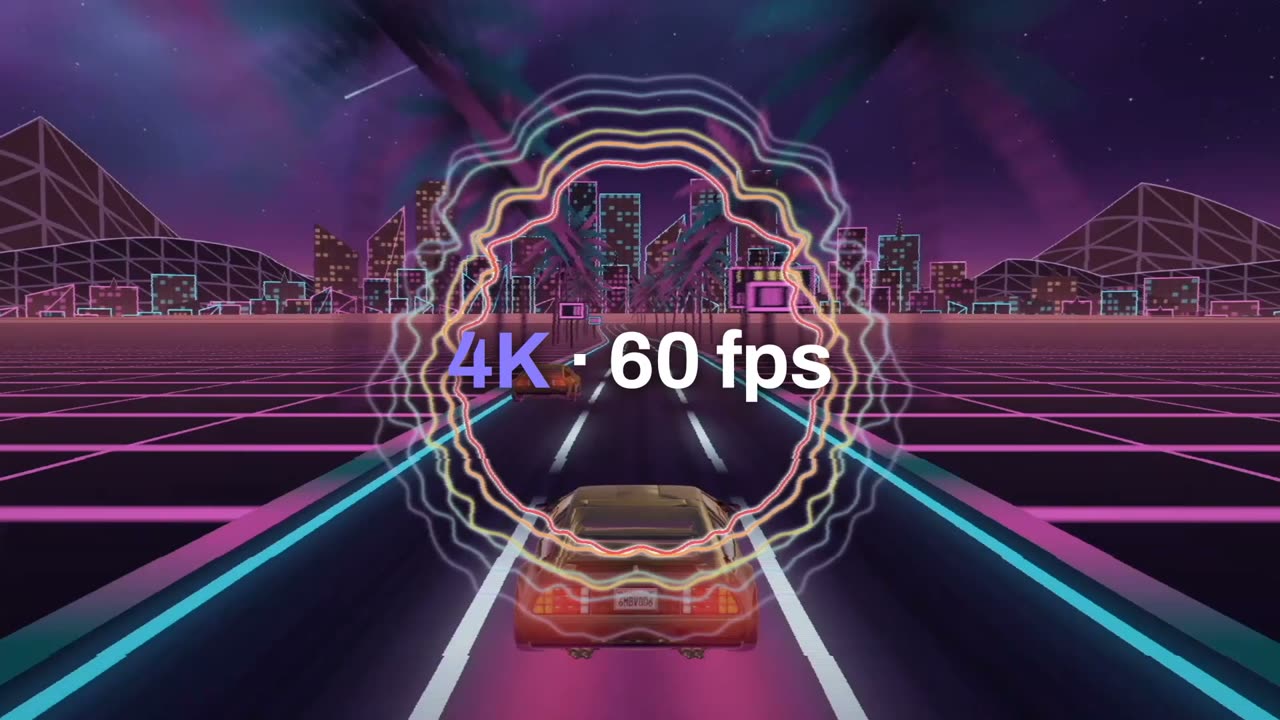
Build the look you hear
Stack layers, bind any control to the music, and export when it looks right.
Layers for every look
Spectrum bars, waveform, ring, plus background, shape, particles, image and text — stacked, blended and previewed live.
Backgrounds that move
Drop in an animated background — tunnels, cities, particles, shaders or photos — and put your visualizer on top. Every look is a starting point you can retune.
Every control is yours
Colours, gradients, sizes, blend modes, effects — every layer exposes its settings, and any of them can be bound to the music.
Bind anything to the audio
Any slider, position, scale or rotation can follow rms, peak, beat, bpm or a custom frequency range you drag out on the live spectrum — so a layer reacts to just the kick or just the hats.
Shadertoy-compatible shaders
A GLSL layer runs your fragment shader with iResolution, iTime and the FFT/waveform on iChannel0. Declared uniforms become sliders that bind to audio like everything else.
Frame-accurate export
Exports render frame-by-frame through FFmpeg, in order from the first frame, so the same project produces the same video every time — preview and export always match.
A full effect stack
Bloom, glow, blur, glitch, VHS, god rays, twist and more from pixi-filters — stacked on a single layer or the whole frame, each can be toggled and bound to the music.
Built for Linux
First-class AppImage, deb and Flatpak packaging, not an afterthought port.
Hardware-accelerated encoding
Hardware encoders (VA-API, NVENC, QSV) are probed with a test encode at first launch, with fast software x264/x265/SVT-AV1 as the fallback.
Local and lightweight
Everything runs on your machine — no account, no cloud, no uploads — and stays responsive on modest hardware.
Pick a world
Animated backgrounds that move with the music. Pick one, put your visualizer on top, retune its colours and speed.
Start from a look, make it yours
Every preset is just layers and bindings — retune any of it, then export at full 4K 60 fps with the one-time Pro unlock.
See it in use
Music videos made start to finish with GuViz.

Shake Your Bones
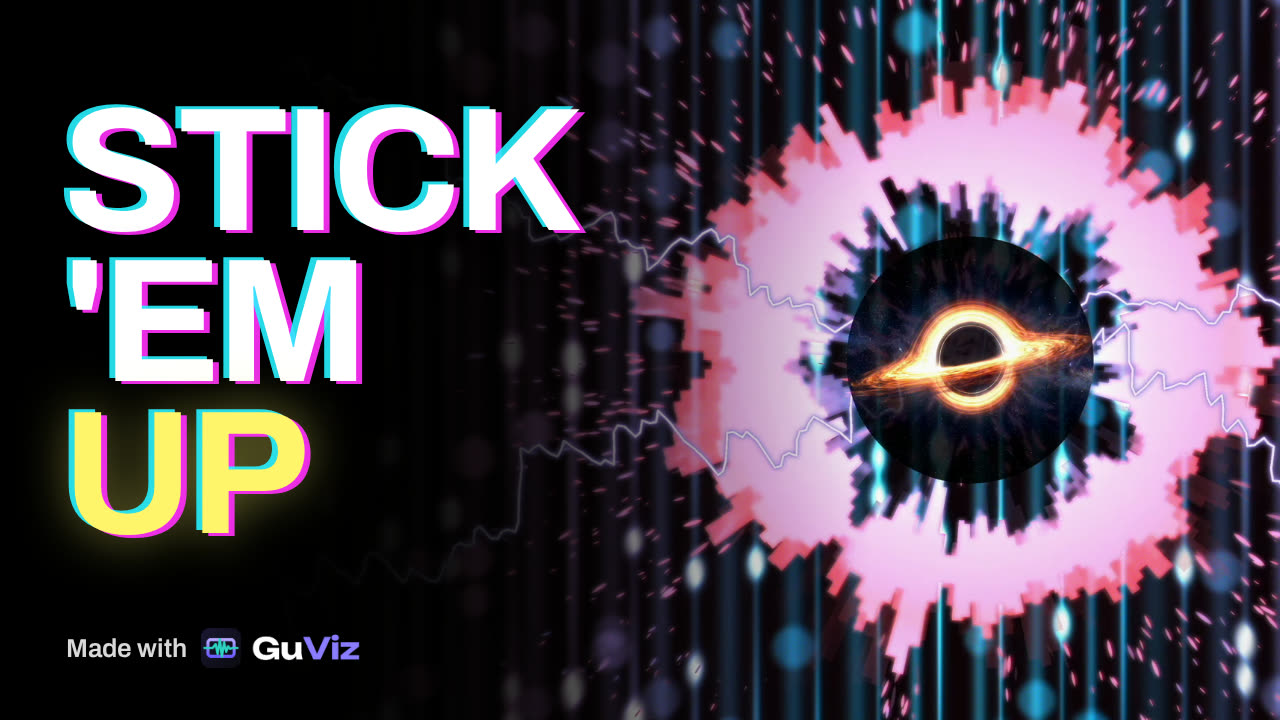
Stick 'em up
How GuViz compares
Most online visualizer tools are subscriptions with plan limits. GuViz is different.
| GuViz | Typical subscription visualizer | |
|---|---|---|
| Payment | One payment, yours to keep | Recurring subscription |
| Videos | No limit on videos or exports | Limits depend on your plan |
| Where it runs | On your machine — no uploads | Online, in the browser |
| 4K 60 fps | Unlocked by the one-time Pro purchase | Often reserved for higher tiers |
| Platform | Native Linux desktop app | A browser tab |
Describes the subscription model common to online visualizer tools, including Specterr, based on publicly listed pricing as of October 2026. Check any provider’s current terms.
Free vs Pro
Pay once. No subscription, yours forever. One licence key works on up to 3 machines; move it between them from your Polar account.
| GuViz Free | GuViz Pro | |
|---|---|---|
| Export quality | Up to 1080p30 · full length | Up to 4K60 · full length |
| Watermark | On exports | No watermark |
| All layer types | ✓ | ✓ |
| All effects | ✓ | ✓ |
| Presets | ✓ | ✓ |
| Updates | Free | Free for all of 1.x |
| Price | Free | One-time |
Download
AppImage
Portable, most distros, updates itself
deb
Debian/Ubuntu, pulls in FFmpeg, updates itself
Flatpak
Sandboxed, FFmpeg included, updates with your system
Install
Flatpak
Sandboxed, FFmpeg included, updates with your system
Install
flatpak install --user https://guviz.app/guviz.flatpakref Or download guviz.flatpakref and open it with GNOME Software or Discover.
Run
flatpak run app.guviz.GuViz Updates arrive through flatpak update, GNOME Software or Discover.
The AppImage needs FFmpeg 6 or newer from your distro. On Fedora that means the full build from RPM Fusion, because Fedora’s own ffmpeg-free has no H.264. The deb pulls FFmpeg in, and the Flatpak brings its own.